

100% Free & Secure Online PDF Tools
Merge, split, and edit PDFs directly in your browser. Total privacy with zero server uploads and no file storage.
Page Manipulation

Merge PDF
Combine and merge multiple PDF files or reports into a single document instantly and securely.

Split PDF
Split PDF files and extract specific pages to create a new, organized PDF document.
Rotate PDF
Rotate PDF pages permanently to fix upside-down scans and save the corrected document.

Delete Pages
Remove blank or unwanted pages from your PDF files easily and securely.

Extract Pages
Extract selected pages from a PDF to save them as a new, lightweight document.
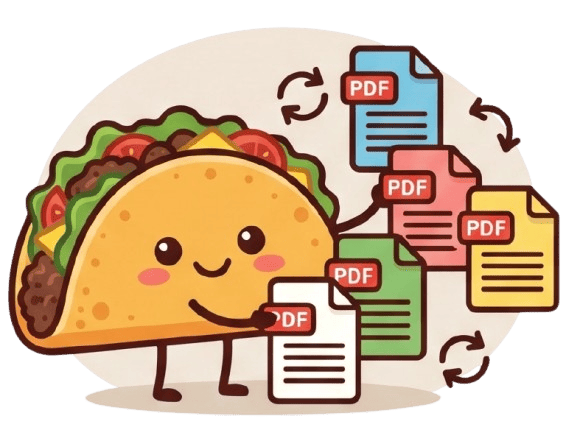
Organize PDF
Reorder, delete, and manage PDF pages visually with an intuitive interface.
Optimization & Utility
Security

Protect PDF
Protect your PDF files with a secure password and local AES encryption.

Unlock PDF
Remove PDF passwords and restrictions to unlock documents for easy printing and sharing.

Sign PDF
Sign PDF documents online for free by drawing or uploading your signature locally.

Redact PDF
Redact PDF text and blackout sensitive images permanently to hide confidential data.
Format Conversion
Image to PDF
Convert JPG, PNG, and WebP images into high-quality PDF documents instantly.
PDF to Image
Convert PDF to JPG or PNG by extracting every page into high-quality images.
HTML to PDF
Convert HTML and rich text to PDF locally directly in your browser.
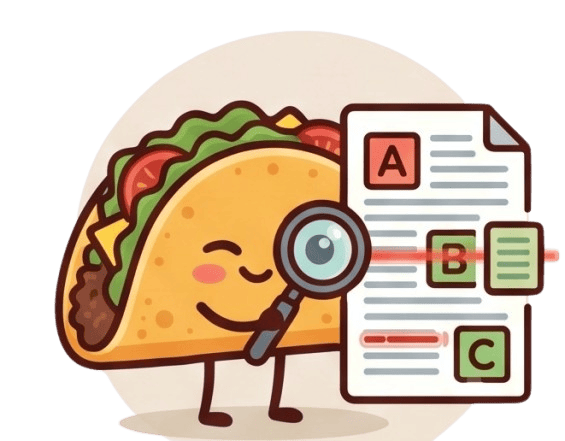
OCR Scanner
Extract text from scanned PDFs and images using Optical Character Recognition (OCR).
The Ultimate Free PDF Toolkit with Zero Server Uploads
TacoPDF: 100% Secure, Fast & Private Browser-Based PDF Editor, Merger, Splitter, and Protection
Secure PDF Document Optimization Without Any Security Risks
In today's digital landscape, PDF documents often contain highly sensitive data such as financial balance sheets, scanned personal identity documents (IDs, Passports, SSNs), legal contracts, and medical records. Using typical online converters forces you to entrust your precious documents to third-party cloud servers, exposing you to data breach vulnerabilities.
TacoPDF establishes a new standard in digital file management. By compiling the entire processing engine locally, we guarantee that your files remain completely in your hands. This is the most secure and private way to edit, split, merge, and optimize documents without touching the internet.
Outstanding Features Tailored for Your Document Productivity
- ✓✓Merge PDF:
Combine and merge multiple PDF files or reports into a single document instantly and securely.
- ✓
- ✓
- ✓
- ✓
- ✓
- ✓✓Unlock PDF:
Remove PDF passwords and restrictions to unlock documents for easy printing and sharing.
- ✓
- ✓
- ✓
- ✓
- ✓
- ✓
- ✓
- ✓✓
 Compress PDF:
Reduce PDF file size significantly while maintaining good quality for web sharing and email.
- ✓
- ✓