











What is Compress PDF?
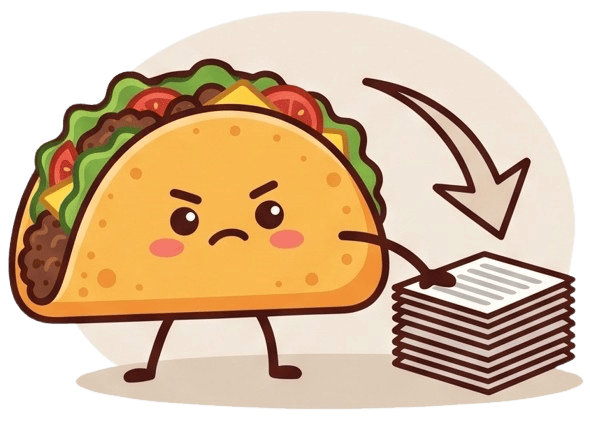
The Compress PDF tool is designed to significantly reduce the file size of your bulky documents without sacrificing essential visual quality. Large PDF files can be incredibly frustrating to work with, especially when you encounter strict email attachment limits, slow internet connections, or rigid file size restrictions on corporate and government upload portals. This tool intelligently analyzes your document, optimizing embedded images, removing unnecessary background metadata, and streamlining the file structure. Whether you are compressing high-resolution digital portfolios, heavily illustrated monthly financial reports, or lengthy academic eBooks, the Compress PDF tool ensures your files become lightweight, easily shareable, and highly optimized for rapid online distribution.
100% Private & Secure
Traditional online PDF compressors pose a significant security risk, as they force you to upload your personal documents to unknown remote servers—a process that is not only dangerous but also time-consuming for large files. TacoPDF revolutionizes this by processing the entire compression algorithm locally within your web browser using advanced WebAssembly technology. Your files never leave your computer or mobile device. This guarantees absolute data privacy, allowing you to safely compress sensitive tax returns, corporate blueprints, or personal identity documents without any fear of data breaches, leaks, or server retention.
Frequently Asked Questions
Q: Will compressing my PDF make the text blurry or unreadable?
A: Not at all. Our smart compression algorithm specifically targets heavy elements like unoptimized images and invisible metadata. The actual text and crucial vector graphics remain razor-sharp and perfectly readable, ensuring your document maintains its professional appearance.
Q: Why is the TacoPDF compression process so much faster than other websites?
A: Standard tools require you to wait for a massive file to upload to a server, process, and then download back to you. Because TacoPDF runs strictly on your local device, the upload and download phases are completely eliminated, resulting in near-instant compression.