













What is Organize PDF?
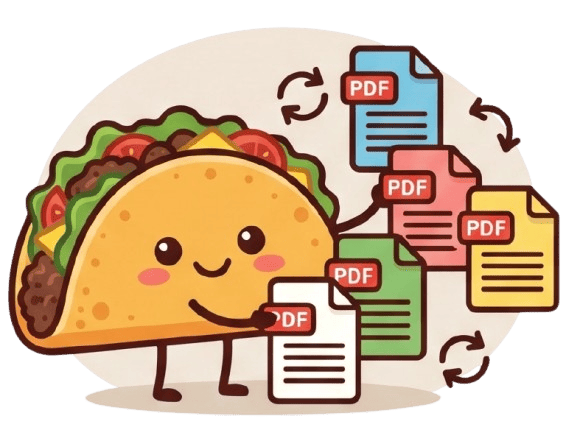
The Organize PDF tool provides you with complete control over the structure and layout of your digital documents. Have you ever scanned a stack of papers only to realize the pages are out of order, or realized a presentation needs a completely different flow? This tool allows you to effortlessly rearrange, reorder, delete, and sort the pages of your PDF document into the perfect sequence. Whether you are assembling a professional design portfolio, reordering chapters for a legal brief, or simply cleaning up a messy scanned file, the Organize PDF tool makes page management highly intuitive. By utilizing a fluid visual interface, you can see exactly how your final document will look, ensuring your information flows logically and exactly as you intended before you save it.
100% Private & Secure
Unlike traditional online PDF organizers that require you to upload your sensitive and heavy documents to remote cloud servers, TacoPDF processes everything entirely within your web browser. Your files never leave your device, ensuring maximum privacy and zero risk of data interception or unauthorized access. This local, client-side processing means you can safely organize highly confidential business contracts, medical records, or personal legal paperwork without ever compromising your digital security. You are the only person who ever has access to your files.
Frequently Asked Questions
Q: Can I delete unwanted pages while reorganizing my document?
A: Yes, absolutely. The Organize PDF tool is designed for comprehensive document management. Alongside dragging and dropping pages to reorder them, you can easily select and delete any blank, duplicate, or unnecessary pages before saving the final file.
Q: Is there a maximum file size or page limit for organizing?
A: Because all processing happens locally using your own device's memory rather than our servers, there are no arbitrary artificial limits imposed by TacoPDF. You can organize documents with hundreds of pages smoothly, limited only by your device's hardware capabilities.