











What is Redact PDF?
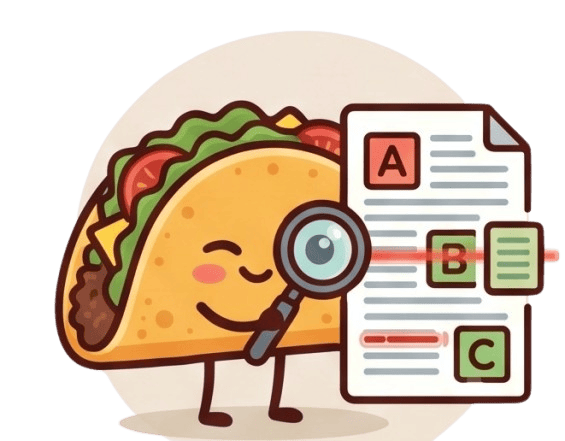
The Redact PDF tool is a crucial utility for permanently blacking out highly sensitive information from your documents before sharing them. Whether it's removing social security numbers, financial details, or confidential names, redaction ensures the hidden text cannot be copied, searched, or recovered by the recipient.
100% Private & Secure
When dealing with classified information, uploading files to the cloud is a massive security risk. TacoPDF solves this by performing the redaction process entirely locally on your machine. Your unredacted files are never transmitted, guaranteeing that your sensitive data remains exclusively in your hands.
Frequently Asked Questions
Q: Is the redacted text truly unrecoverable?
A: Yes, our tool physically removes the underlying text data and replaces it with a solid black box, making it impossible to uncover the hidden information.
Q: Can I redact images as well as text?
A: Yes, you can draw redaction boxes over any part of the page, covering both text and graphical elements seamlessly.