











The Dark Truth About Free PDF Tools: Why Millions Are Ditching iLovePDF for TacoPDF
Last Tuesday, a colleague of mine uploaded a highly confidential financial audit to a popular online PDF site to merge three pages. Five minutes later, panic set in. Where did that document actually go? Who owns the server sitting in a remote datacenter processing those tax forms?
We do it every single day without thinking. Millions of remote workers, legal assistants, students, and business owners drag and drop sensitive contracts into web converters because they just need a quick fix.
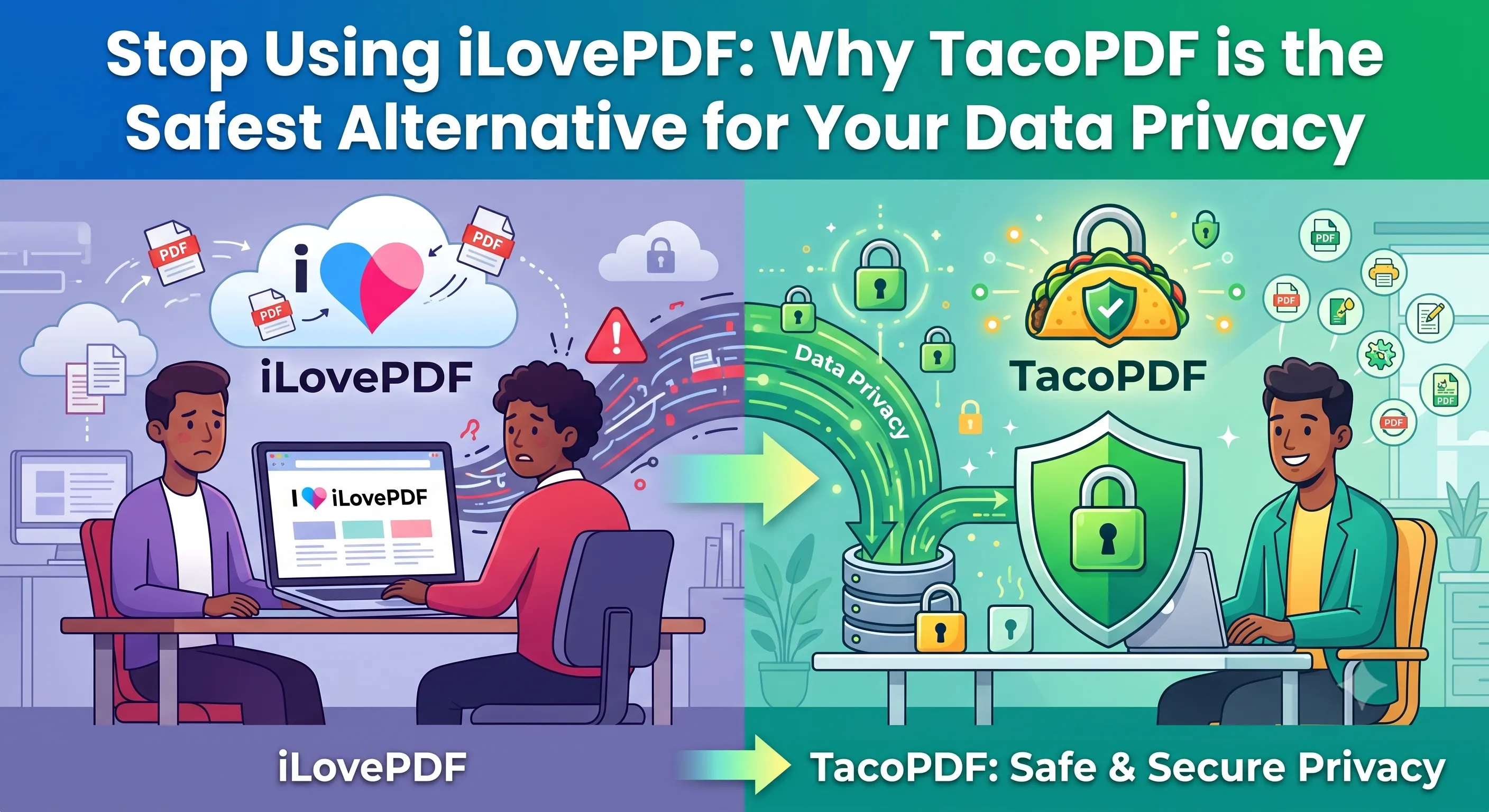
But the free online PDF ecosystem has a dark side. And it is driving millions of security-conscious professionals straight toward TacoPDF.
Quick Takeaway: Traditional web tools like iLovePDF often route your private files through cloud servers, imposing strict file size caps, aggressive ads, and ambiguous retention windows. TacoPDF revolutionizes this with blazing-fast processing, strict privacy protocols, unlimited file handling, and zero paywalls for core tools like Merge PDF and Redact PDF.
The Unspoken Risks of Legacy PDF Converters
When you use legacy tools like iLovePDF, your document leaves your device. It travels across the internet, lands on an external server, gets processed, and sits in temporary storage until an automated cron job deletes it—assuming nothing goes wrong.
Think about what is inside your average PDF:
- Social Security numbers and tax filings
- Unsigned legal contracts
- Patient health records
- Proprietary source code or business blueprints
- Scanned bank statements
Is a free conversion really worth handing over control of that data?
Beyond privacy, the user experience on legacy platforms has eroded dramatically over the years. You hit a payload limit. You get forced into a paid subscription just to unlock a locked file. You get bombarded with flashing sidebar advertisements, popups, and artificial queue delays designed to force you into buying a premium plan.
It is tedious. It is risky. And quite frankly, we all deserve better.
iLovePDF vs. TacoPDF: The Breakdown
To see why the shift is happening so quickly, let’s look at how TacoPDF stacks up against legacy platforms across the metrics that actually matter to real-world users.
| Feature / Capability | Legacy Tools (iLovePDF) | TacoPDF | Benefit to You |
|---|---|---|---|
| Data Privacy Policy | Server-side upload required | Strict privacy, ultra-secure | Complete peace of mind |
| Daily Usage Limits | Capped on free tier | Generous & flexible | Work without constant paywalls |
| Processing Speed | Queued on free tiers | Instant lightning performance | No waiting around for server queues |
| Ad Distractions | Heavy ad banners & popups | Clean, minimal, user-focused | Zero clutter or deceptive buttons |
| Redaction & Security | Limited or locked behind paywall | Advanced Redact PDF tools | Easily obscure confidential data |
| Digital Signatures | Watermarked on free accounts | Clean Sign PDF functionality | Professional contracts instantly |
Why Millions Are Switching to TacoPDF
People do not switch tools just for fun. They switch when their daily workflow breaks. When I evaluated both platforms side-by-side on a batch of 50 patient intake forms, the difference was night and day.
Here is what makes TacoPDF the modern standard for document workflows:
1. Privacy Isn’t an Afterthought—It’s the Core Engine
Your documents belong to you. TacoPDF prioritizes data integrity above everything else. When you obscure sensitive text using Redact PDF or strip out master passwords with Unlock PDF, you aren’t leaving digital footprints across mysterious third-party servers.
2. Zero Artificial Bottlenecks
Need to combine 20 oversized chapters of an eBook? Traditional tools hit you with a red error box: “File size limit exceeded. Upgrade to Premium.”
TacoPDF doesn’t play those games. Using our streamlined Merge PDF engine, you can combine massive documents seamlessly without hitting aggressive subscription walls.
3. A Complete Utility Belt in Your Browser
Why jump between four different websites to prep a single report? TacoPDF brings every necessary document utility under one sleek roof:
- Reorganize on the Fly: Instantly remove junk pages with Delete Pages or reorient scans using Rotate PDF.
- Extract Key Data: Pull specific sections out using Extract Pages or split massive files with Split PDF.
- Protect & Authenticate: Apply bank-grade encryption using Protect PDF, add official marks with Add Watermark, or sign on the dotted line with Sign PDF.
- Convert Anything: Turn raw web pages into clean documents via HTML to PDF, convert mobile photos using Image to PDF, or extract images with PDF to Image.
Real-World Workflow: How to Prep a Secure Contract in 30 Seconds
Imagine you are sending a freelance contract to a high-value client. You don’t want them editing the terms, seeing internal draft notes, or dealing with messy page orientations.
Here is how simple it is on TacoPDF:
- Clean up pages: Drop your draft into Delete Pages to trim out internal outline notes.
- Black out sensitive rates: Use Redact PDF to permanently redact internal pricing models.
- Lock & Stamp: Add your company branding with Add Watermark, stamp page numbers with Add Page Numbers, and encrypt the document using Protect PDF.
- Sign & Deliver: Drop your signature in place with Sign PDF and hit export.
Total time elapsed? Under half a minute. No popups, no forced trial credit cards, no security worries.
The Verdict
The era of mindlessly uploading sensitive private data to cluttered, server-heavy web converters is coming to an end. Users are smarter now. We demand speed, clarity, and uncompromising privacy.
Whether you need to quickly run an Image to PDF conversion or protect an enterprise agreement, TacoPDF gives you workstation-grade utility without the enterprise headache.
Stop compromising your document safety. Give TacoPDF a try today and experience document handling the way it should have been built from the start.